Customer Activity Timeline Report
View and export a complete log of activity and engagement in the DBE Development Portal across small businesses. Additionally, gain visibility on customers that have not acted for some time with access to the following data:
- Account Creation Date
- Profile Creation Date
- Readiness Tool Start Date
- Readiness Tool Completion Date
- Readiness Tool Retaken Date
Navigation
Affiliates can navigate to the Customer Activity Timeline Report view by taking a few steps. First, Affiliates should click the “Reports” navigation menu item in the navigation bar at the top right of their M3 panel.

Once clicked, the Affiliate will be navigated to the Reports view. Affiliates can then click the “Customer Activity Timeline” item in the Reports menu.
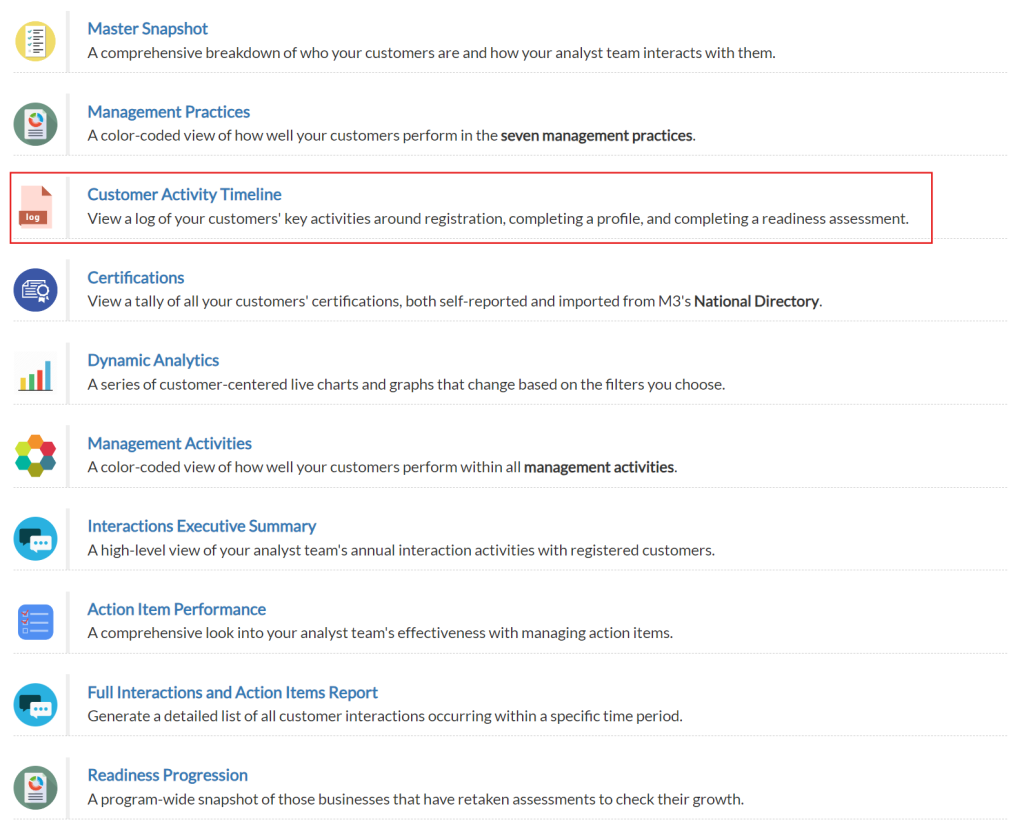
Upon clicking the “Customer Activity Timeline” item in the Reports menu, Affiliates will be navigated to the Customer Activity Timeline Report view.
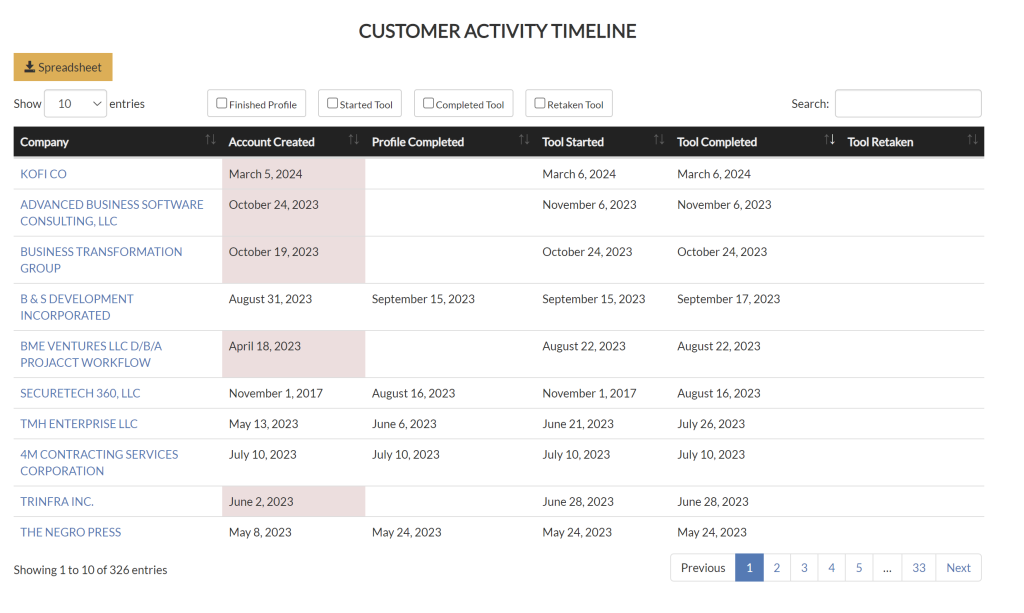
Customer Activity Timeline Table
Once Affiliates have navigated to the Customer Activity Timeline, they can view a table which provides a snapshot of their customer’s activities. For each customer, Affiliates can see:
- When their account was created
- When their profile was completed
- When they started an assessment tool
- When they completed an assessment tool
- When they retook an assessment tool
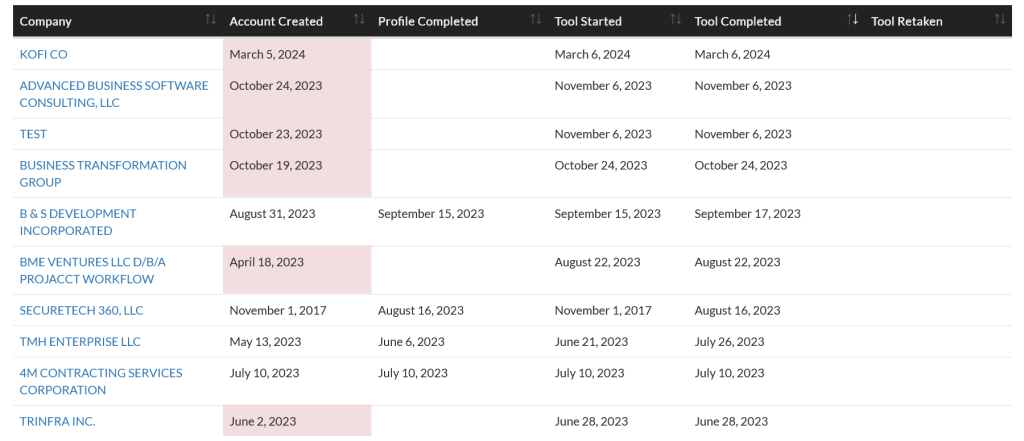
Customer Activity Timeline Table Filters
Affiliates can filter records in the table by checking one or many of the provided boxes:
- Finished Profile
- Started Tool
- Completed Tool
- Retaken Tool
