Management Activity
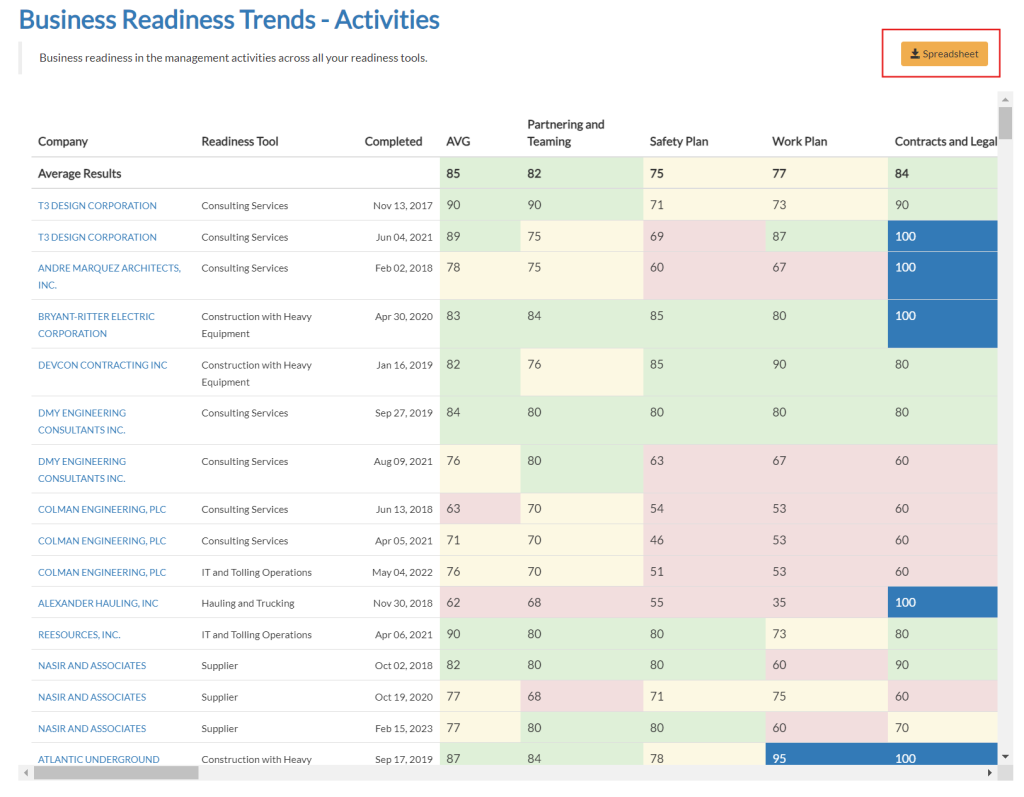
The Management Activity Report visualizes for Affiliates the business readiness trends in management activities across all of their readiness tools. A color-coded table communicates how well all the small businesses in your program perform across all management activities.
Navigation
Affiliates can navigate to the Management Activity Report view by taking a few steps. First, Affiliates should click the “Reports” navigation menu item in the navigation bar at the top right of their M3 panel.

Once clicked, the Affiliate will be navigated to the Reports view. Affiliates can then click the “Management Activities” item in the Reports menu.
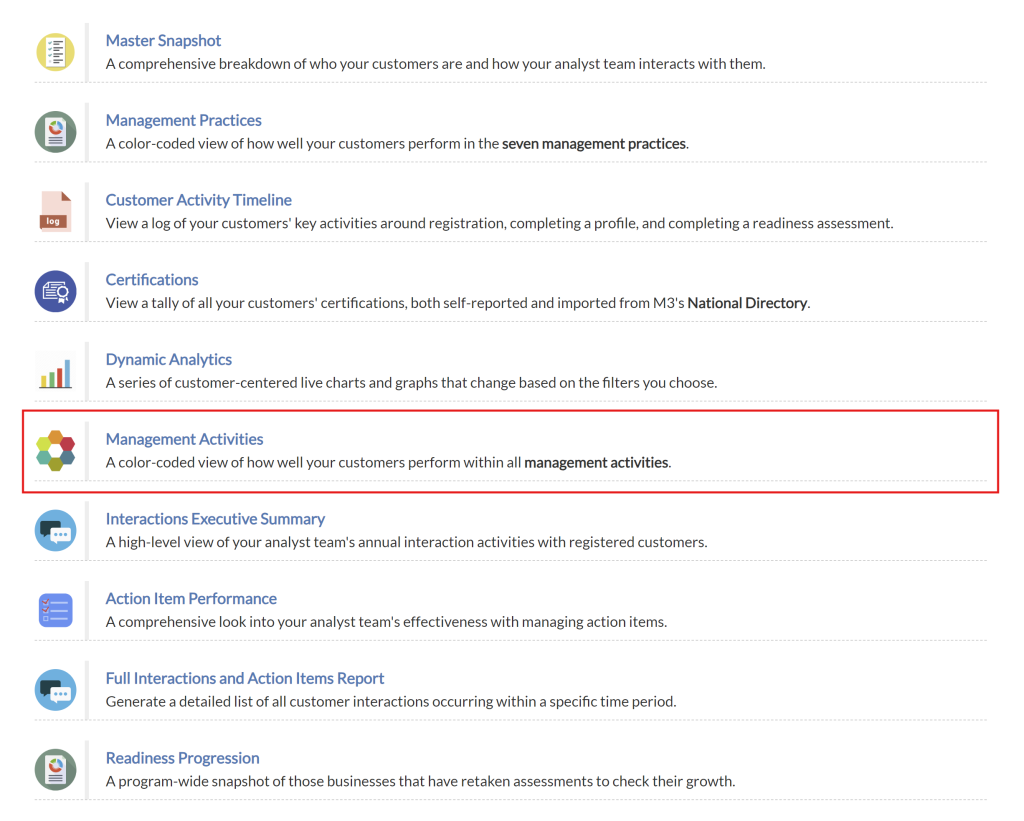
Upon clicking the “Management Activities” item in the Reports menu, Affiliates will be navigated to the Management Activities Report view.
Activities Table – Overview
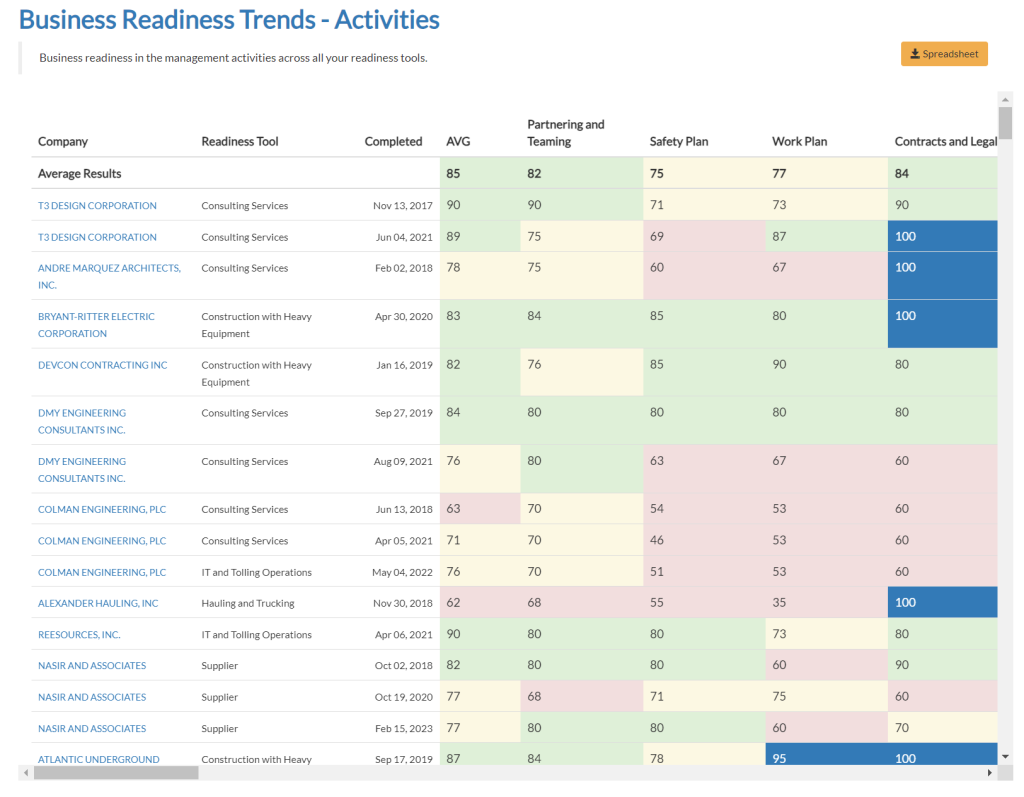
The Activities Table displays the performance of companies across various management activities. This table offers affiliates an overview of each company’s performance in different activities, aiding in the assessment of overall readiness and identifying areas where companies can improve.
Activities Table – Exporting
Affiliates can export the data in the Activities Table to a spreadsheet by clicking the “Spreadsheet” button highlighted above the table on the right.