Business Profile
From the Directory, Affiliates can open an individual Business Profile which provides a summary of the selected companies information.
Navigation
Affiliates can navigate to a companies Business Profile by taking a few steps. First, Affiliates should click the “Directory” navigation menu item in the navigation bar at the top right of their M3 panel.

Once clicked, the Affiliate will be navigated to the Directory view. Affiliates can then click on a record from the Directory table to open the Business Profile for the selected business.
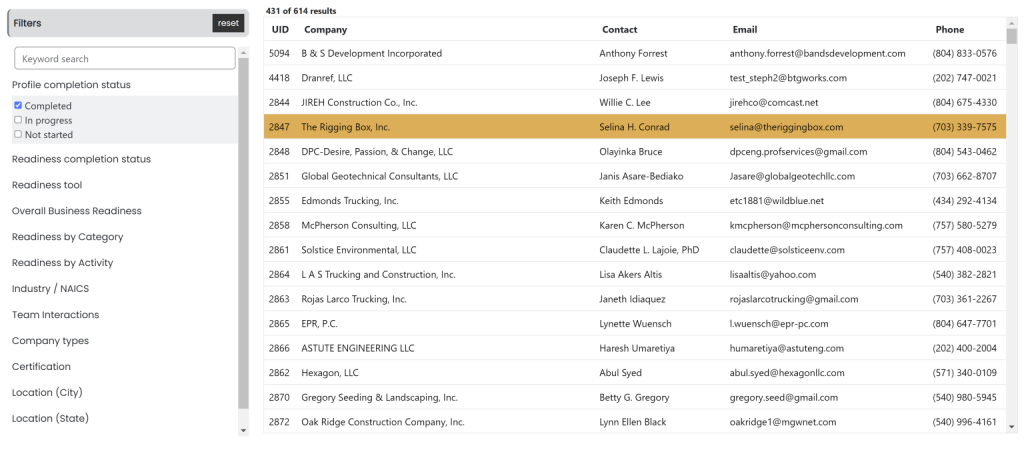
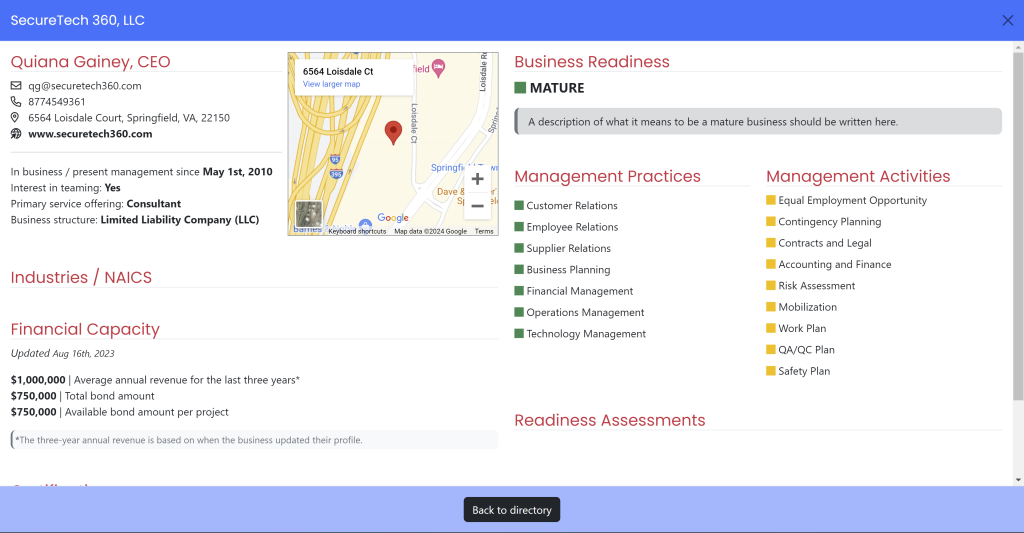
Upon clicking on a record from the Directory table, the Business Profile for the selected business will pop up for the Affiliate to view.
Business Information Section
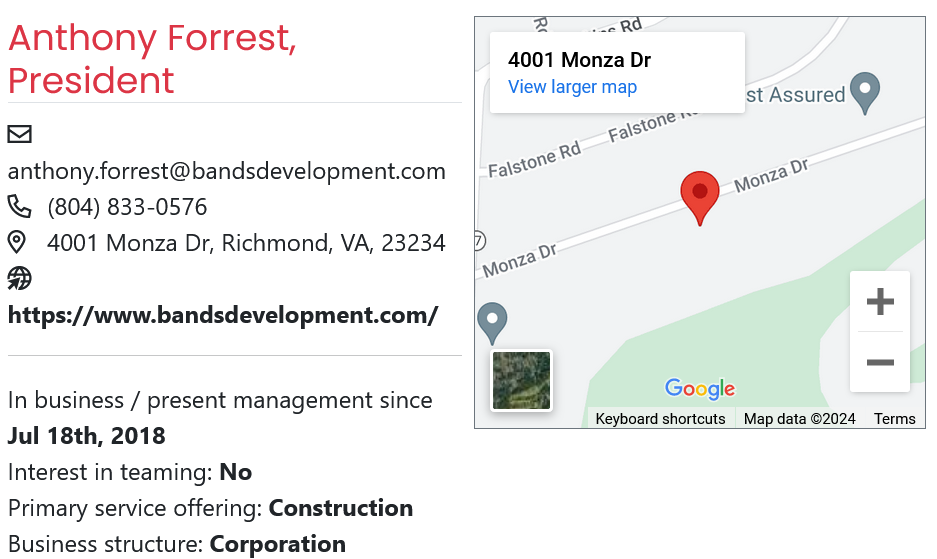
The Business Information section includes:
- Company Name and Role
- Company Contact Information
- Company Address
- Website
- Current Status of the Business
- Company Start Date
- Company Service Offering
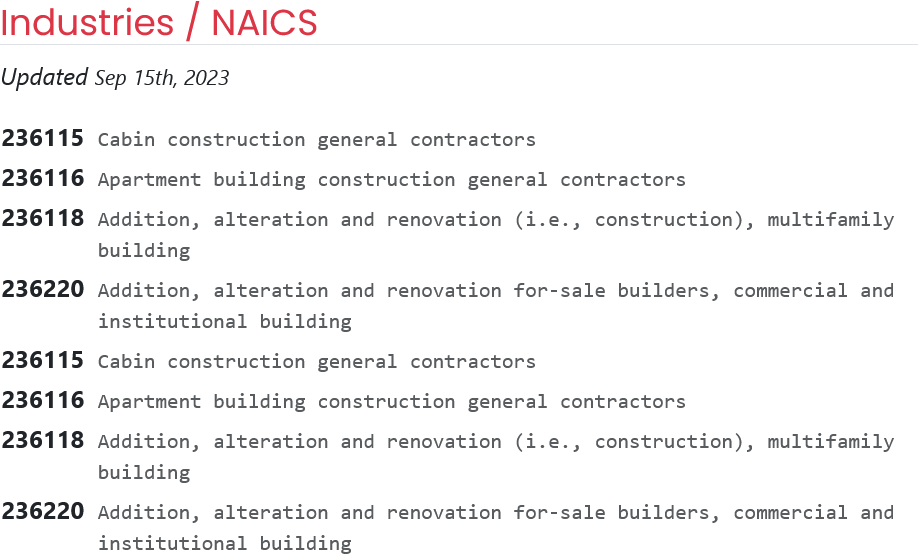
Industries / NAICS Section
The Industries / NAICS section provides the list of NAICS codes that the business is certified for as well as a date when the list was last updated.
Business Readiness Section
The Business Readiness section provides affiliates with the current readiness level of the company, along with a short summary about said level of readiness. This feature enables affiliates to quickly assess the businesses level of readiness for work.

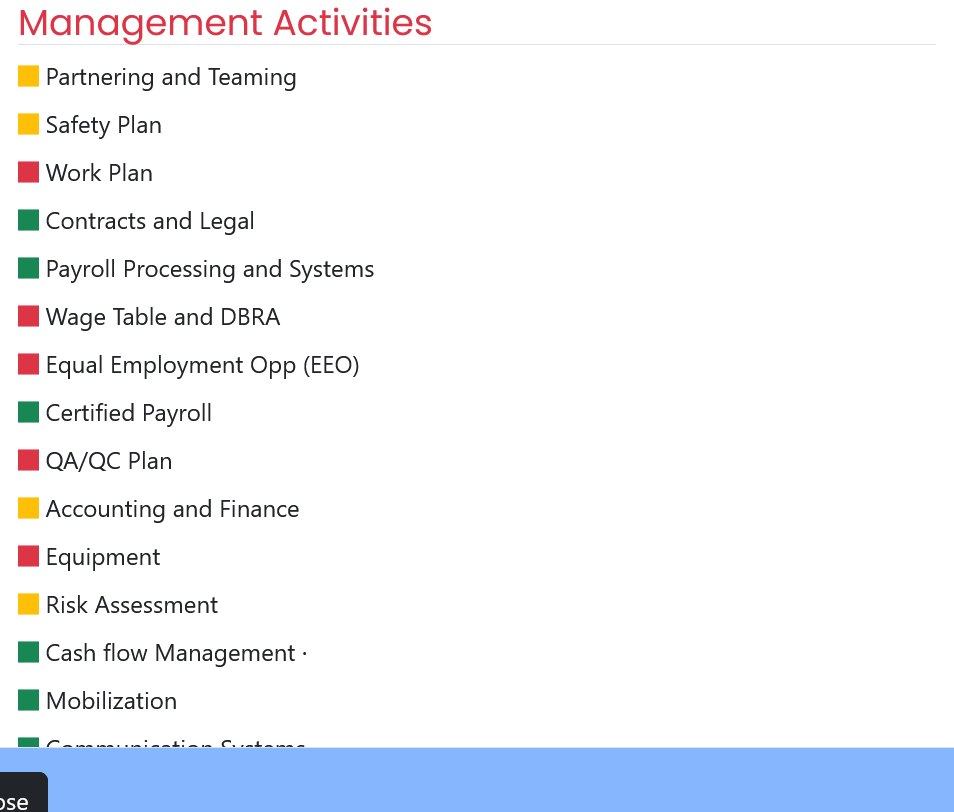
Management Activities Section
The Management Activities section provides affiliates with a summary of the business’ readiness to perform within each management activity measured by the assessments they’ve taken.
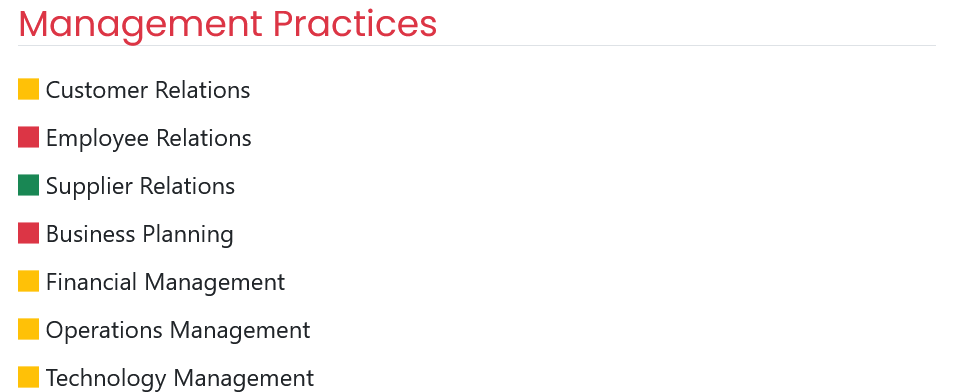
Management Practices Section
The Management Practices section provides affiliates with a summary of the business’ readiness to conduct the different management practices measured by the assessments they’ve taken.
Financial Capacity Section
The Financial Capacity section provides affiliates with a summary of information regarding the types and magnitude of capital that the business has access to. Included in this summary are the following:
- Revenue average over a three-year span
- Total bond amount
- Available bond amount per project
These metrics enable affiliates to assess the financial strength of the company.

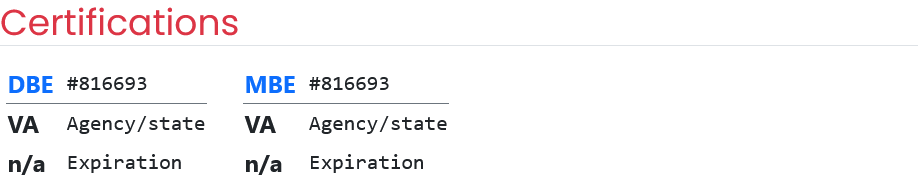
Certifications Section
The Certifications section displays the current certifications of the business, including the states of certification and expiration dates. This feature enables affiliates to quickly review the status of certifications held by the company.
Equipment List Section
The Equipment List enables users to track the current equipment owned by the business, facilitating asset management and inventory tracking.

Readiness Assessments Section
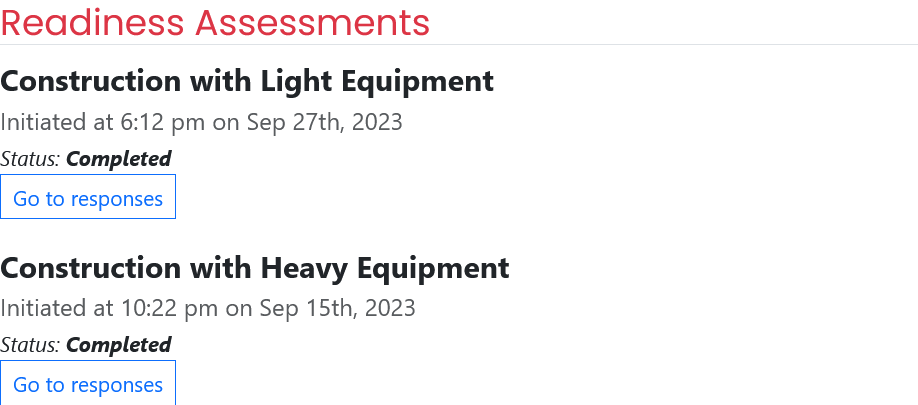
The Readiness Assessments section displays which assessments the business has completed. It provides affiliates with a link to view the company’s responses and provides the date the assessment was initiated, as well as a status of assessment completion.