Success Plan – Business Owner
The Success Plan feature enables business owners to review resources and recommendations published by their affiliate, connecting them with actionable insights that can be applied directly to their business.
Navigation
Once logged into your M3 account, locate and select the Business Readiness section in the navigation menu.

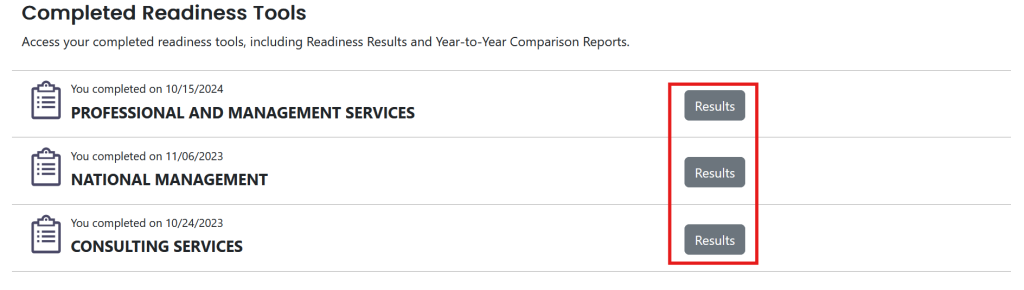
Once you have navigated to the Business Readiness view, scroll down to the Completed Readiness Tools section and click on Results for the assessment you wish to view the success plan for.
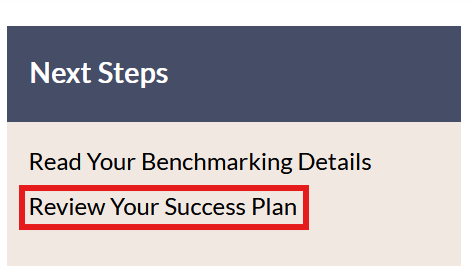
Once you have navigated to the Results for the completed readiness tool, you will see a “Next Steps” section on the right. In this section, click the Review Your Success Plan link to access your success plan.
Overview
Each success plan is comprised of 4 different sections: Business Profile, Business Readiness, Ratings by Management Practices, and Ratings and Recommendations by Management Activities.
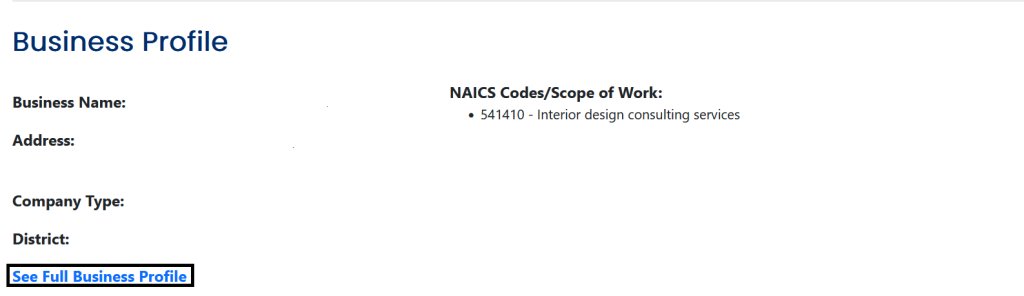
The Business Profile section provides a summary of your business details. The overview includes:
- Business Name
- Address
- Company Type
- District
- NAICS Code
The Business Readiness section enables you to view the overall readiness rating of your company, as evaluated by the completed readiness tool. The rating is color-coded to indicate your readiness level:
- Blue: Enterprise
- Green: Mature
- Yellow: Foundational
- Red: Entrepreneurial

The Ratings by Management Practices section provides further insight into your overall Business Readiness rating. You can review the evaluation results of the seven key management practices which determine your overall Business Readiness rating. The color code assigned to each rating is the same as the coding for the Business Readiness rating.

The Ratings and Recommendations section allows you to access the recommendations and resources that have been sent to you by your affiliate. These actionable insights are provided with the intent of supporting your business’ growth and success.

Notifications
Once your affiliate publishes a new version of your success plan, you will receive a notification in 2 ways:
- A notification in your M3 dashboard
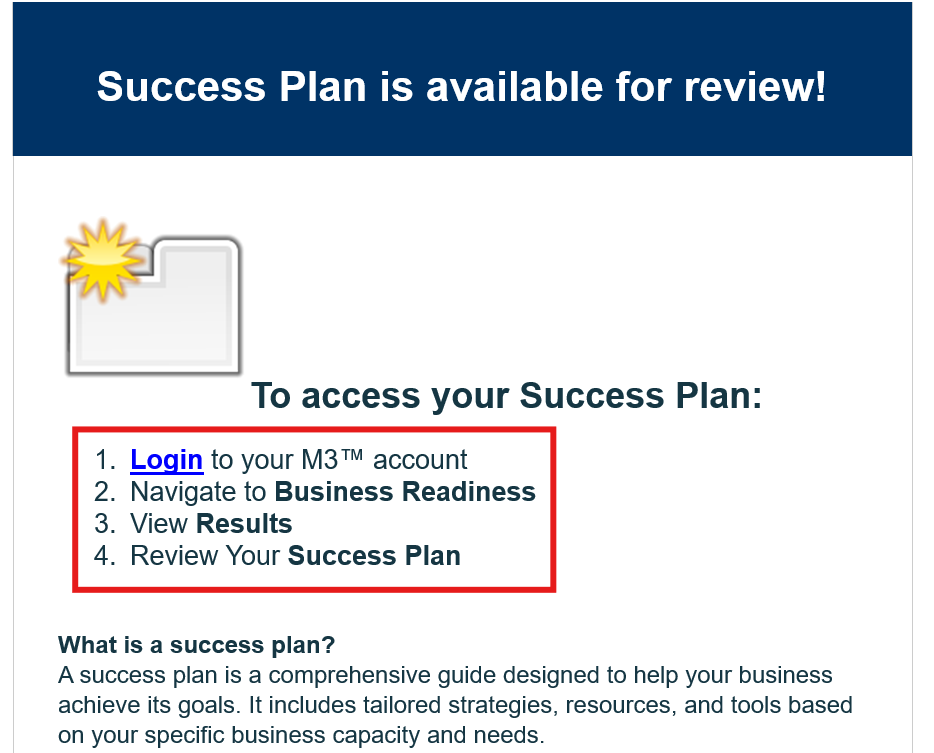
Follow the instructions in the email to locate the success plan:
- Login to your M3 account
- Navigate to your Business Readiness
- View Results
- Review Your Success Plan
Dashboard Notification
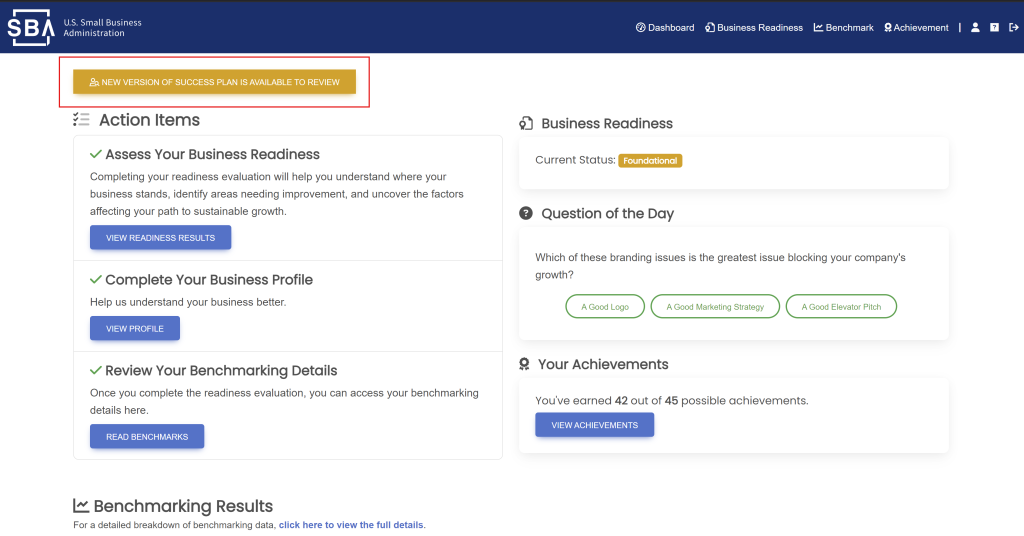
If a new version of your success plan has been published, you will see a notification alerting you about the new version in the top left corner of your Dashboard view. You can click this notification to be redirected to the newly published version of your success plan.
Resources and Recommendations
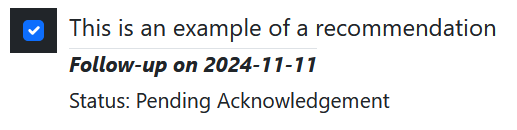
The Resources and Recommendations section store any resources or recommendations provided to you by your affiliate. These items provided by your affiliate to support the improvement and growth of your business. You can review the items posted to this section and, once completed, request that your affiliate acknowledge your having completed the resources and recommendations they provided.

Acknowledging the Completion of Resources and Recommendations
1. Once the success plan is published, the business owner can view the recommendations and resources for the selected area.
2. To proceed, select the checkbox to acknowledge the recommendations and resources.
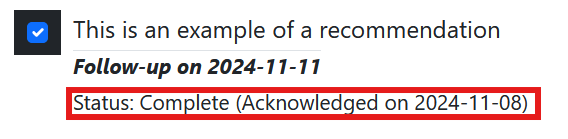
3. Once acknowledged, the affiliate will be notified to either approve or reject the acknowledgment.
4.The acknowledgment will be visible once the affiliate has confirmed the resources and recommendations.