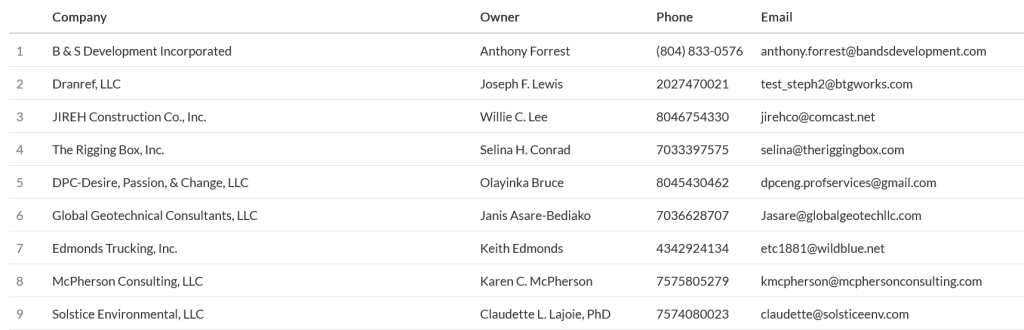
Certifications
The Certifications Report shows a list of all companies and their certification status.
Navigation
Affiliates can navigate to the Certifications Report view by taking a few steps. First, Affiliates should click the “Reports” navigation menu item in the navigation bar at the top right of their M3 panel.

Once clicked, the Affiliate will be navigated to the Reports view. Affiliates can then click the “Certifications” item in the Reports menu.
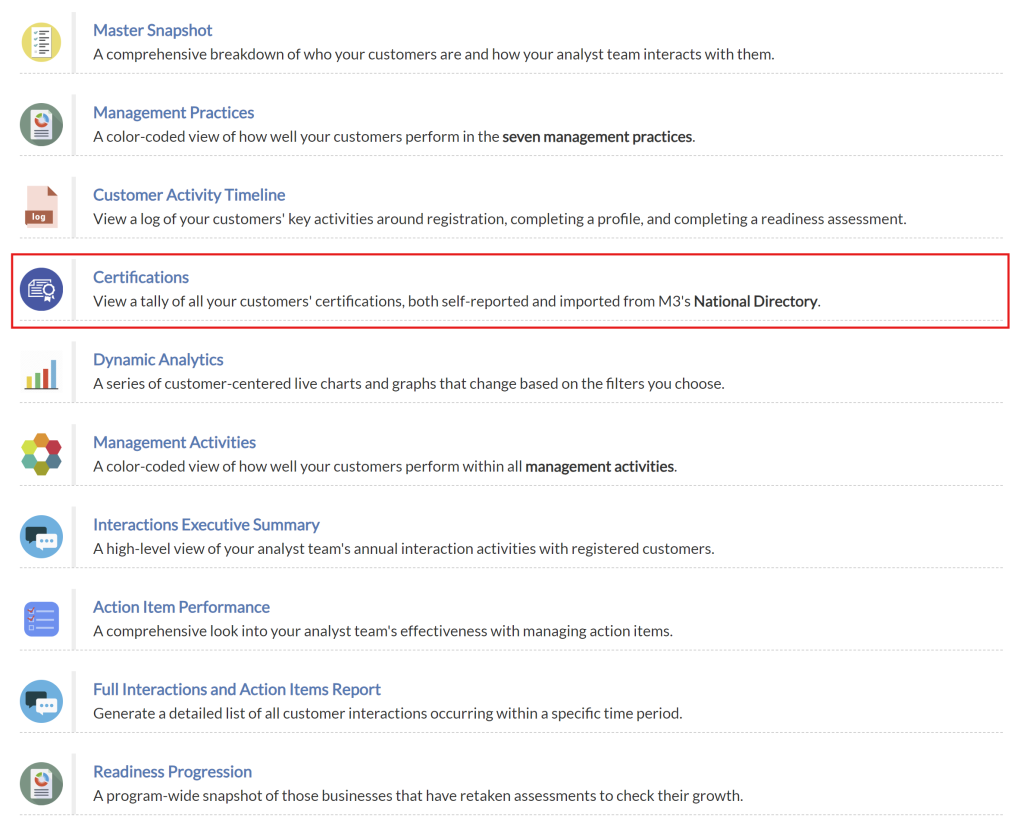
Upon clicking the “Certifications” item in the Reports menu, Affiliates will be navigated to the Certifications Report view.
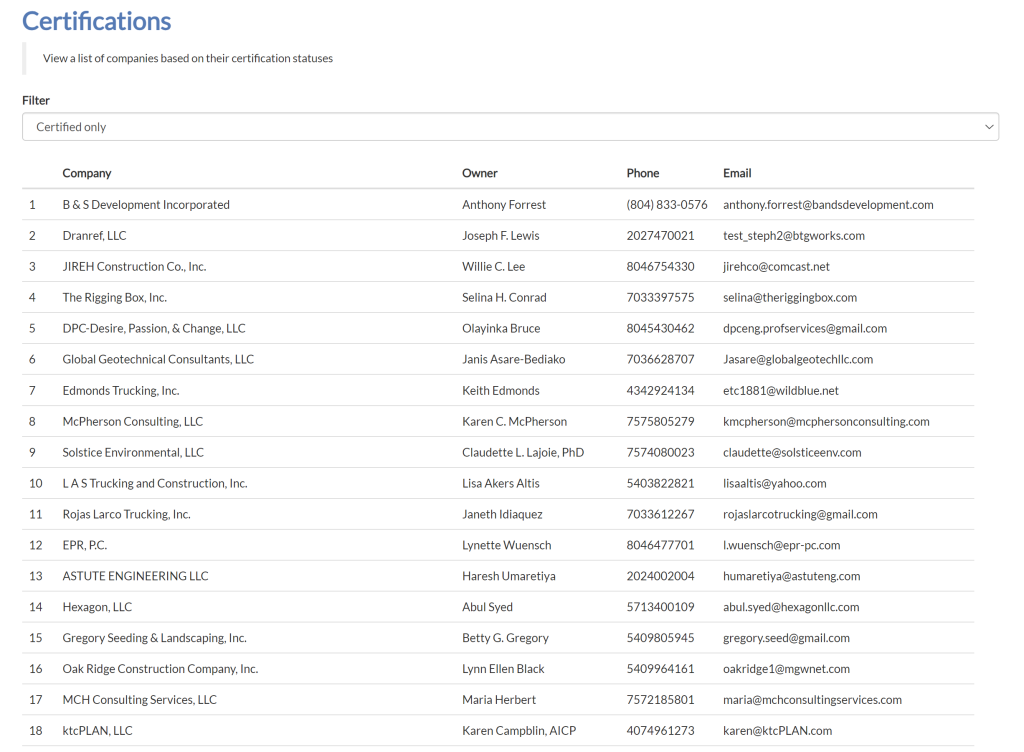
Certifications Table Filter
The certification dropdown enables affiliates to filter companies in the table based on a selected certification.

Certifications Table
The certification table displays a list of all companies and their contact information, according to the certifications being filtered on. Below are the columns of information displayed in the certifications table:
- Company Name
- Owner
- Phone Number
- Email Address